Copilot+ PCs are no longer just a consumer laptop story. Business buyers are asking whether they should refresh old Windows fleets with AI-ready devices, whether Copilot+ PCs are worth the premium, and which suppliers can support bulk orders with the right configuration, documents, and sample approval process.
For distributors and importers, the hard part is not understanding that AI PCs are popular. The hard part is avoiding a bad purchase decision: buying a generic "AI laptop" when the customer asked for a true Copilot+ PC, approving a sample without testing the required features, or assuming certificates and Windows licensing are ready for every destination market.
This guide explains what to check before placing a bulk order for Copilot+ PCs or business AI laptops from an OEM/ODM supplier.
Why distributors are asking about Copilot+ PCs now
The timing is practical. Windows 10 reached end of support on October 14, 2025, and many B2B buyers are already planning refresh cycles. At the same time, Microsoft and major OEMs are positioning Copilot+ PCs for business as a premium Windows refresh category with local AI features, security foundations, and longer useful life for business fleets.
For distributors, this creates demand but also a qualification problem. A customer may ask for "AI laptops" after seeing a Copilot+ PC campaign, while the real requirement may be a reliable Windows 11 Pro business laptop, a premium Copilot+ PC, or an OEM/ODM model that needs careful sample approval before stock purchasing.
Copilot+ PC, AI PC, and AI-ready laptop are not the same thing
Microsoft describes Copilot+ PCs as a new class of Windows PCs built for on-device AI experiences. The important detail for buyers is that "Copilot" software and "Copilot+ PC" hardware are not the same purchasing requirement.
A standard Windows 11 laptop can access cloud-based Copilot features. An AI-ready laptop may include some AI acceleration. A Copilot+ PC must meet a stricter hardware bar. Microsoft's Windows 11 specification page lists Copilot+ PC requirements including a compatible processor or system-on-chip with an NPU capable of 40+ TOPS, 16 GB DDR5/LPDDR5 RAM, and 256 GB SSD/UFS storage. Microsoft also notes that specific features, apps, and added hardware may have additional requirements that can change over time.
That means the first procurement question is simple:
Does the buyer need a true Copilot+ PC, or do they need a Windows 11 Pro business laptop that is AI-ready enough for their actual workload?
For distributors, this distinction matters because the wrong product label can create returns, customer complaints, and blocked tenders.
| Buyer request | What it may mean | What to verify |
|---|---|---|
| "AI laptop" | A laptop with an NPU or AI-branded CPU | CPU/NPU platform, RAM, storage, Windows edition, target apps |
| "Copilot laptop" | A Windows laptop that can access Microsoft Copilot | Windows 11 compatibility, Microsoft account or commercial tenant requirements |
| "Copilot+ PC" | A Windows PC meeting Microsoft's Copilot+ hardware class | 40+ TOPS NPU, compatible processor family, 16 GB RAM, 256 GB storage, feature availability |
| "Business AI laptop" | A commercial laptop for office/enterprise use | Windows 11 Pro, security, manageability, battery, camera/audio, support boundary |
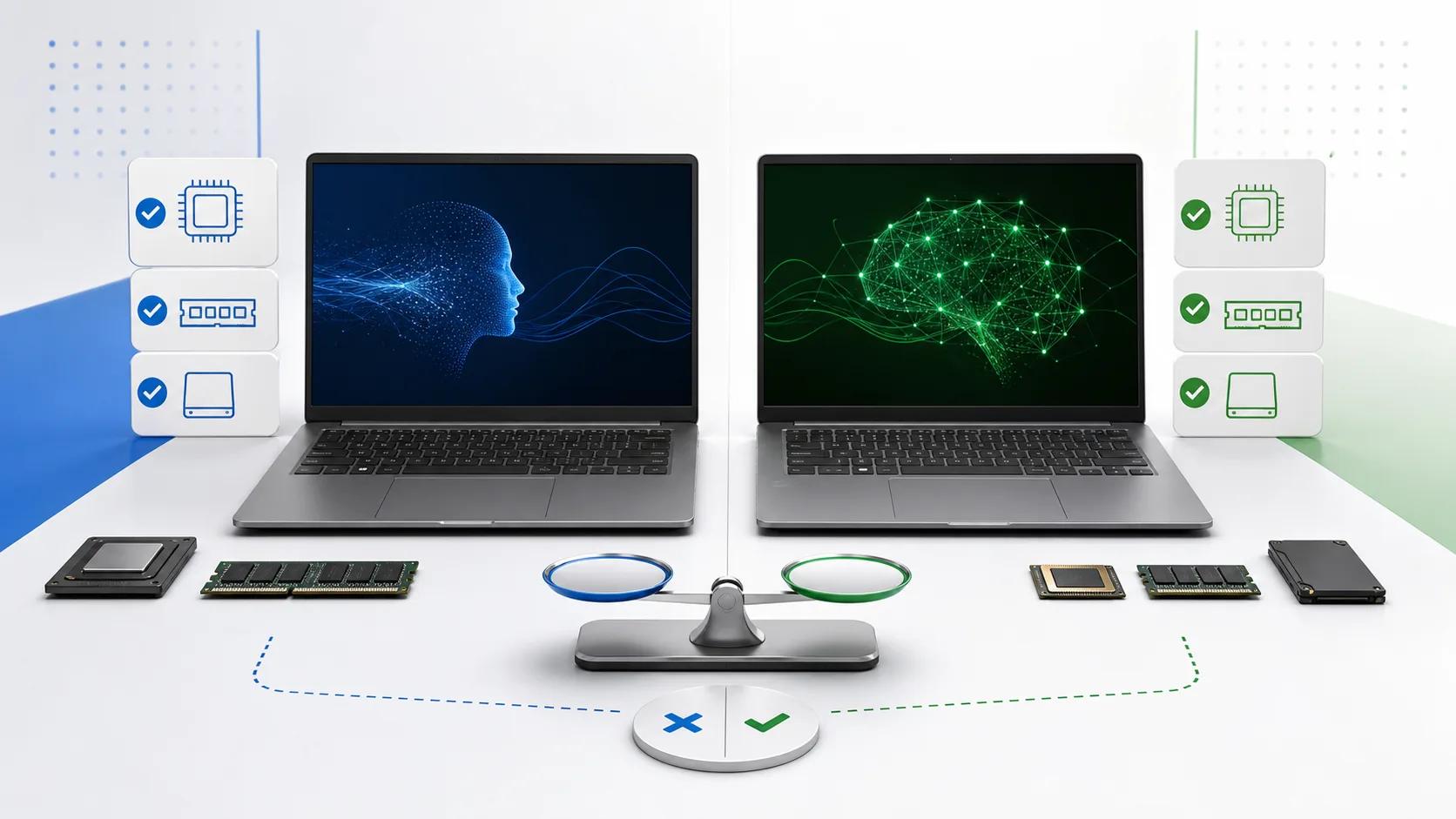
Distributors should separate generic AI-ready laptop requests from true Copilot+ PC hardware requirements before approving samples or stock orders.
The core hardware baseline to verify
Before discussing logo printing, packaging, or price, confirm the hardware baseline.
For a Copilot+ PC sourcing project, ask the supplier to identify:
- Processor platform and exact model.
- NPU performance class.
- RAM type and capacity.
- Storage type and capacity.
- Windows edition.
- Wireless module.
- Camera, microphone, and speaker configuration.
- Battery capacity and expected battery test method.
- Thermal design limits under sustained video meeting and AI workloads.
- Supported keyboard layouts and language packs.
Microsoft's Copilot+ PC business page emphasizes 40+ TOPS NPU performance for on-device AI. The Microsoft Learn NPU guide also points buyers toward tools such as Task Manager, Windows Performance Recorder, and Windows Performance Analyzer for observing NPU resource usage and workload behavior.
For procurement, this creates a useful sample approval rule: do not approve a bulk order only from a spec sheet. Verify the sample device in Windows and run the business apps your customers actually use.
Business features to test on a real sample
Copilot+ PCs are promoted around features such as Recall, Live Captions, Windows Studio Effects, improved Windows search, Click to Do, and other local AI experiences. Microsoft announced broader availability for Recall and related Copilot+ experiences in April 2025, while some official Microsoft support and IT-admin pages still label Recall as "preview." Treat Recall as a feature to verify on the exact device, Windows build, language, region, and IT policy state rather than as a universal promise.
During sample approval, distributors should test the device in the customer's expected environment instead of only checking benchmark screenshots.
Recommended sample tests:
- Confirm the Windows edition and activation route.
- Confirm NPU visibility and usage in Windows Task Manager during supported AI tasks.
- Test video meeting quality: camera, microphone, speaker, background effects, battery drain, and heat.
- Test supported Copilot+ features that matter for the customer, such as Live Captions, Windows Studio Effects, improved Windows search, and Recall where available and allowed by the customer's IT policy.
- Confirm language and region behavior for the buyer's market.
- Confirm Windows Hello, biometric sign-in, device encryption, and security settings where required by the target feature set.
- Test common business apps, VPN, printer drivers, ERP/CRM tools, browser workloads, and collaboration apps.
- Confirm update behavior after Windows updates and driver updates.
The goal is not to prove that every AI feature is useful. The goal is to confirm that the product matches the buyer's real deployment case.
OEM/ODM customization checks
After the base hardware is confirmed, the next question is what can be customized for a distributor order.
AIERXUAN can discuss OEM/ODM options for distributor projects, including hardware configuration, logo printing or engraving, packaging design, software pre-installation, keyboard layouts, and BIOS logo or boot-screen branding. The exact scope should be confirmed against the selected platform before quoting.
For a Copilot+ PC business project, confirm these items early:
- Keyboard layout: US, EU, RU, JP, or other market-specific layouts.
- System language and language packs.
- Windows edition and OS image route.
- BIOS or boot-screen branding support.
- Outer logo, label, carton, and retail packaging requirements.
- RAM and storage configuration options.
- Camera shutter, fingerprint, TPM/security features, and I/O ports.
- Power adapter type and plug standard.
- Certificate documents by exact model, configuration, and destination market.
Do not assume every customization is available on every AI PC platform. Some elements depend on the selected motherboard, BIOS, chassis tooling, chipset, Windows image, and component supply.
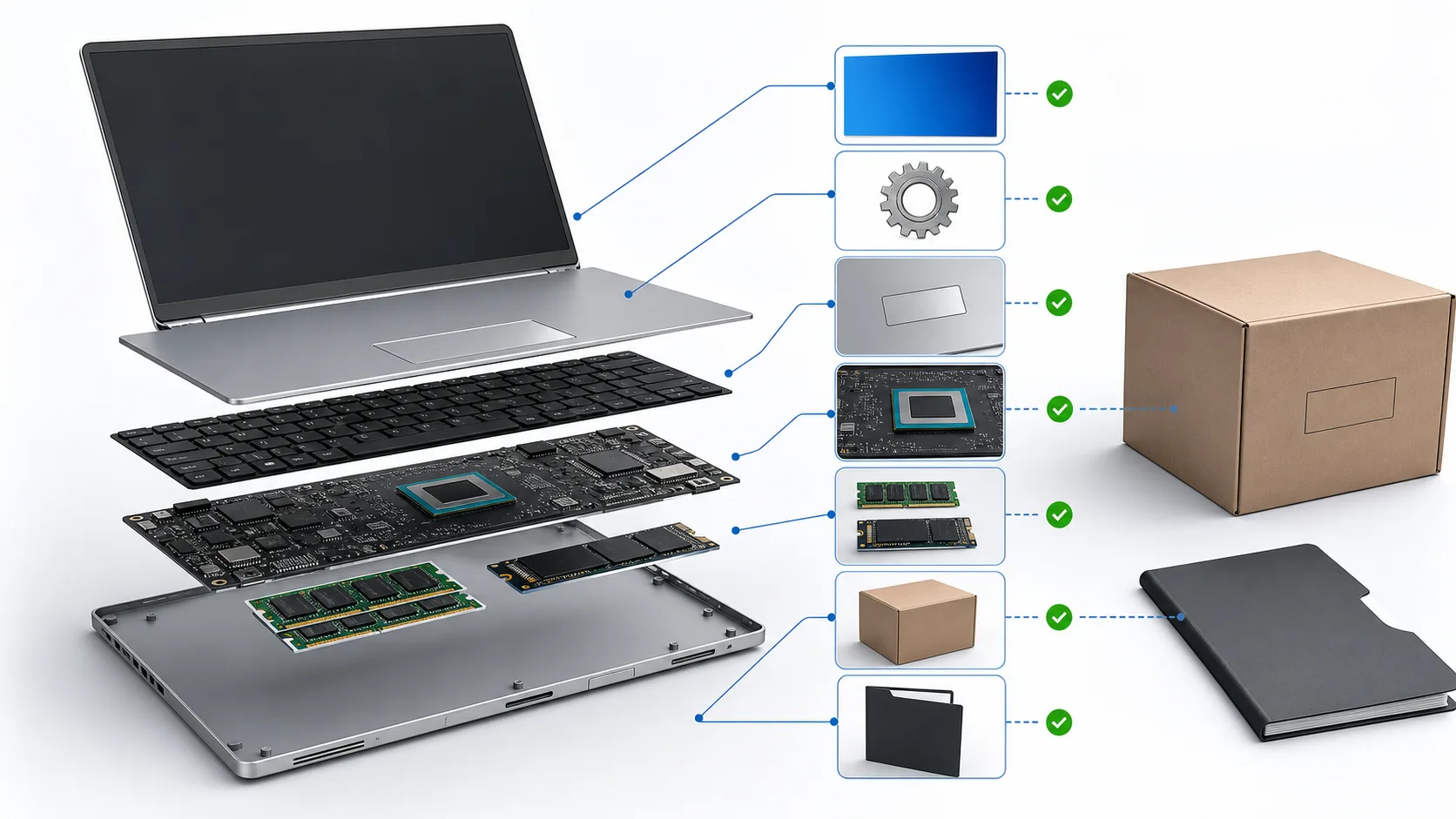
Customization should be confirmed by platform: processor board, memory, storage, keyboard, OS image, branding, packaging, and documents are not equally flexible on every model.
Sample approval checklist before a 100+ unit order
For most custom AIERXUAN projects, MOQ starts from 100 units, and sample units can be arranged for testing and evaluation. As a working planning range, samples typically take 7-15 days, standard production often takes 15-25 days after sample approval and final specification confirmation, and larger orders may take 25-45 days depending on model, quantity, component availability, and customization.
Use the sample stage to remove uncertainty.
| Checkpoint | What to verify | Pass condition |
|---|---|---|
| Hardware identity | CPU/NPU platform, RAM, storage, wireless, battery | Matches approved quotation and sample label |
| Copilot+ baseline | NPU class, Windows edition, compatible processor | Supplier evidence plus Windows-side verification |
| AI feature behavior | Supported features such as Live Captions or Studio Effects | Works in target language/region where available |
| Business app compatibility | Office, browser, VPN, printer, ERP/CRM, meeting apps | No blocker for target customer workflow |
| Thermals and noise | Video calls, multitasking, charging, sustained use | Stable performance without unacceptable heat/noise |
| Customization | Keyboard, logo, BIOS/boot screen, packaging, labels | Matches approved artwork and market requirement |
| Documentation | CE/FCC/RoHS or other requested documents | Provided for selected model/configuration/market |
| Support boundary | Warranty split, spare parts, DOA process | Written into PI or supply agreement |
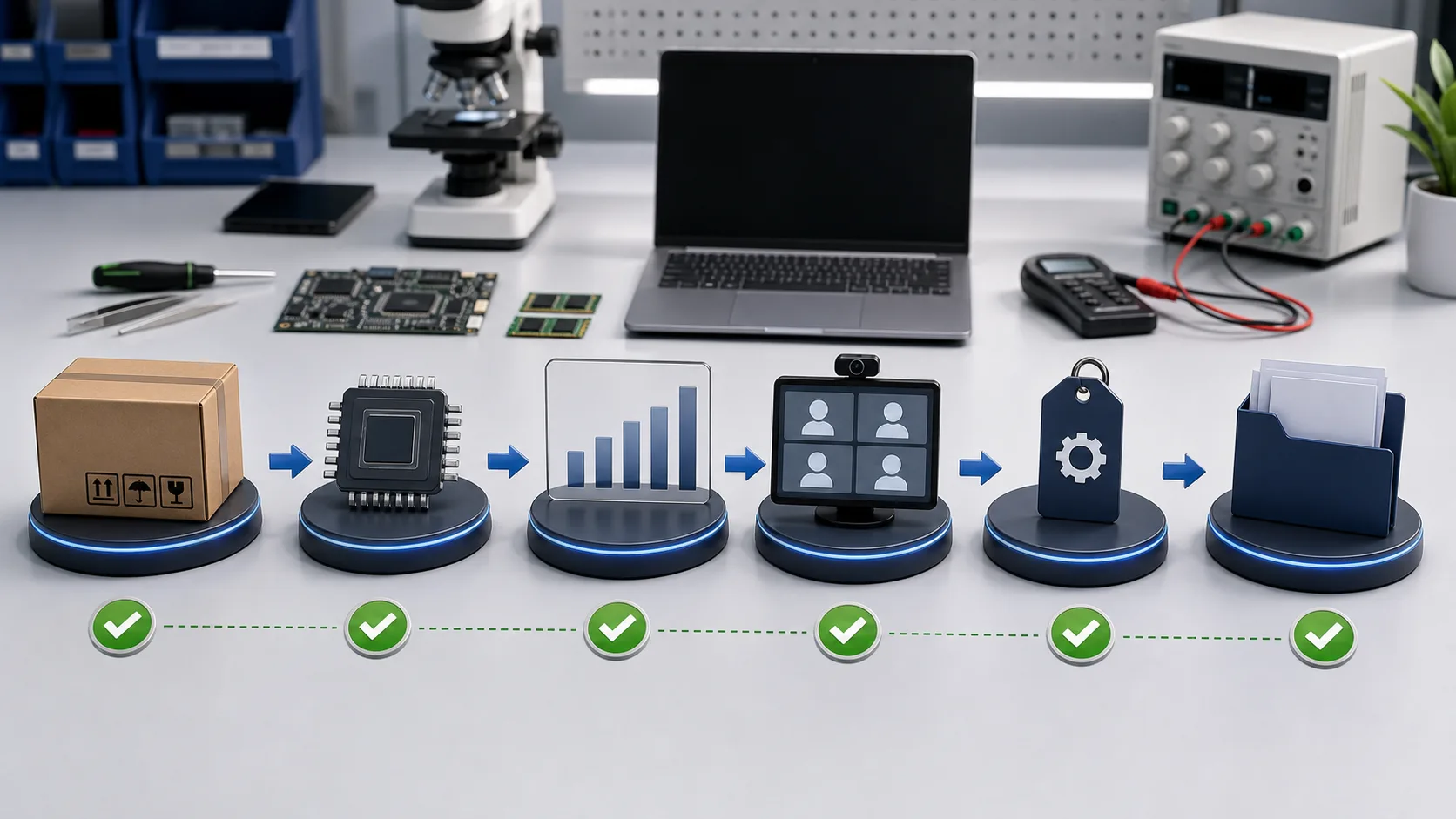
A safer approval flow checks the sample box, hardware identity, NPU behavior, collaboration use case, customization items, and document folder before production.
Only move to mass production after the buyer signs off the exact sample configuration.
Procurement risks that can delay a bulk order
The main risk is not that buyers misunderstand AI. The main risk is that different stakeholders mean different things when they say "AI laptop."
Watch for these failure points:
- The end customer asks for Copilot+ PC, but the quote only says "AI laptop."
- The device has an NPU, but not the required Copilot+ PC hardware class.
- A feature shown in marketing is not yet available in the buyer's language, region, or Windows build.
- The sample works in a demo, but the customer's VPN, printer driver, or industry app fails.
- The buyer assumes the supplier can provide certificates for every market without model-level verification.
- The importer assumes the manufacturer will handle local customs clearance or end-customer warranty counters.
- The distributor does not lock the exact RAM, storage, wireless module, keyboard, power adapter, and packaging before production.
These risks are manageable, but they must be moved into the RFQ and sample approval checklist.
RFQ checklist for Copilot+ PC business sourcing
A useful RFQ should give the supplier enough detail to answer without guessing.
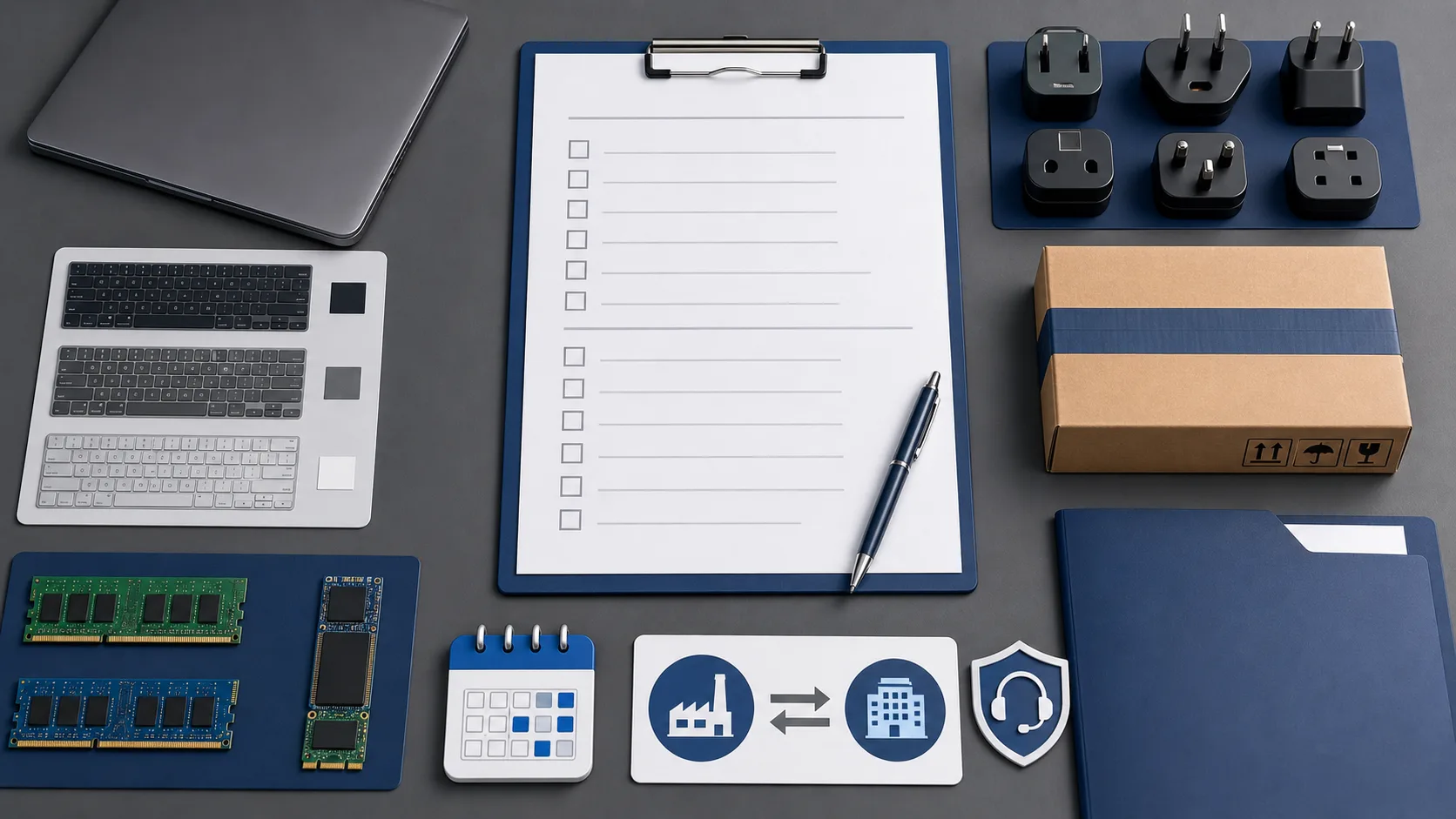
A strong RFQ groups the request into configuration, market, customization, documents, logistics, and support responsibilities.
Send:
- Target product type: true Copilot+ PC, AI-ready business laptop, or standard Windows 11 Pro laptop.
- Target CPU/NPU platform, if required.
- RAM and storage requirement.
- Screen size, resolution, refresh rate, and panel preference.
- Battery expectation and target use case.
- Camera, microphone, speaker, and fingerprint/Windows Hello requirements.
- Windows edition and OS language.
- Keyboard layout and destination market.
- Logo, BIOS/boot logo, packaging, label, and carton requirements.
- Quantity for sample and first order.
- Required certificates and compliance documents.
- Destination country or port.
- Target delivery window.
- Warranty, spare parts, and after-sales responsibility split.
If the buyer is not sure whether they need a Copilot+ PC, ask for the target workload instead. A standard Windows 11 Pro laptop may be a better commercial choice for some customers, while a true Copilot+ PC may fit customers who need modern AI features, longer refresh life, and stronger positioning for 2026 device portfolios.
When a standard Windows 11 Pro laptop may be enough
Not every business customer should pay for Copilot+ PC hardware immediately.
Industry coverage of AI PC rollouts has also framed the buying decision around timing, value, and workforce fit, not only the newest device label.
A standard Windows 11 Pro laptop may be enough when:
- The customer mainly uses browser, Office, ERP, and video meeting tools.
- The budget is sensitive.
- App compatibility is more important than AI features.
- The customer does not yet have a clear local AI workflow.
- The distributor needs volume stock at a lower price point.
A Copilot+ PC may make more sense when:
- The customer wants modern on-device AI features.
- The buyer is preparing a premium business refresh line.
- Security, battery, video meeting quality, and future feature support matter.
- The customer wants devices that can be marketed as next-generation Windows AI PCs.
- The distributor wants a higher-value product tier for resellers.
This is why a distributor should stock by customer segment, not only by trend.
How AIERXUAN can support the early sourcing discussion
AIERXUAN is an OEM/ODM laptop and Mini PC manufacturer in Shenzhen. For AI laptop or Copilot+ PC business sourcing discussions, buyers can review AIERXUAN's product range, compare available OEM/ODM customization services, and use the team to clarify model options, sample testing, customization scope, packaging, keyboard layouts, and destination-market document requirements.
Before quoting, send the exact target:
- True Copilot+ PC or AI-ready business laptop.
- First order quantity.
- Sample quantity.
- Destination market.
- Target CPU/NPU platform.
- RAM and storage.
- Windows edition and language.
- Keyboard layout.
- Branding and packaging needs.
- Certification documents required by the importer or reseller.
AIERXUAN should confirm model-level availability, configuration support, certificate route, and production timeline before the buyer treats the project as ready for bulk order.
To start a sourcing discussion, send the target specification through the AIERXUAN RFQ form with quantity, destination market, required Windows edition, keyboard layout, branding needs, certification requirements, and sample approval timeline.
FAQ
What is the difference between an AI PC and a Copilot+ PC?
An AI PC may include an NPU or AI-branded processor. A Copilot+ PC is a stricter Windows PC class with specific hardware requirements, including a 40+ TOPS NPU and other system requirements listed by Microsoft.
Is 40+ TOPS enough to approve a bulk order?
No. It is one requirement, not the full procurement decision. Buyers should also verify processor family, RAM, storage, Windows edition, security features, app compatibility, thermals, battery life, keyboard layout, packaging, and certification documents.
Can every Copilot+ PC feature work in every country?
Not necessarily. Microsoft notes that features and timing can vary by device, region, and language. Buyers should test the exact sample in the intended market settings before approving production.
What should a distributor test in a Copilot+ PC sample?
Test NPU visibility and usage, supported AI features, Windows Hello/security behavior, video meeting quality, battery and thermals, business app compatibility, language/region behavior, keyboard layout, branding, packaging, and certificate documents.
What can an OEM/ODM supplier customize?
Depending on the selected platform, an OEM/ODM supplier may discuss hardware configuration, keyboard layout, logo printing or engraving, packaging, software pre-installation, language setup, and BIOS/boot logo support. Availability must be confirmed by model.
What should I include in a Copilot+ PC RFQ?
Include target platform, quantity, sample plan, destination market, RAM/storage, Windows edition, keyboard language, required AI features, branding, packaging, certification documents, delivery window, and after-sales responsibility split.
Sources
- Microsoft Copilot+ PCs for Business
- Microsoft Learn: Develop AI applications for Copilot+ PCs
- Microsoft Windows 11 specifications
- Microsoft Surface: Copilot+ PCs vs Windows 11 PCs
- Microsoft Blog: Introducing Copilot+ PCs
- Microsoft Learn: Recall overview
- Windows Experience Blog: April 2025 Copilot+ PC feature availability
- Dell Copilot+ PC for Business
- CDW Microsoft Copilot+ PCs
- Dicker Data Copilot+ PC Distributor
- Computerworld: Should you buy AI PCs for your workforce?

Bowen Yang
Sales Manager at AIERXUAN
Bowen works with overseas distributors, education buyers, and private-label hardware teams on laptop and Mini PC sourcing. He focuses on practical OEM/ODM requirements, sample confirmation, lead time, configuration options, and factory-direct communication.
View Author Profile →